
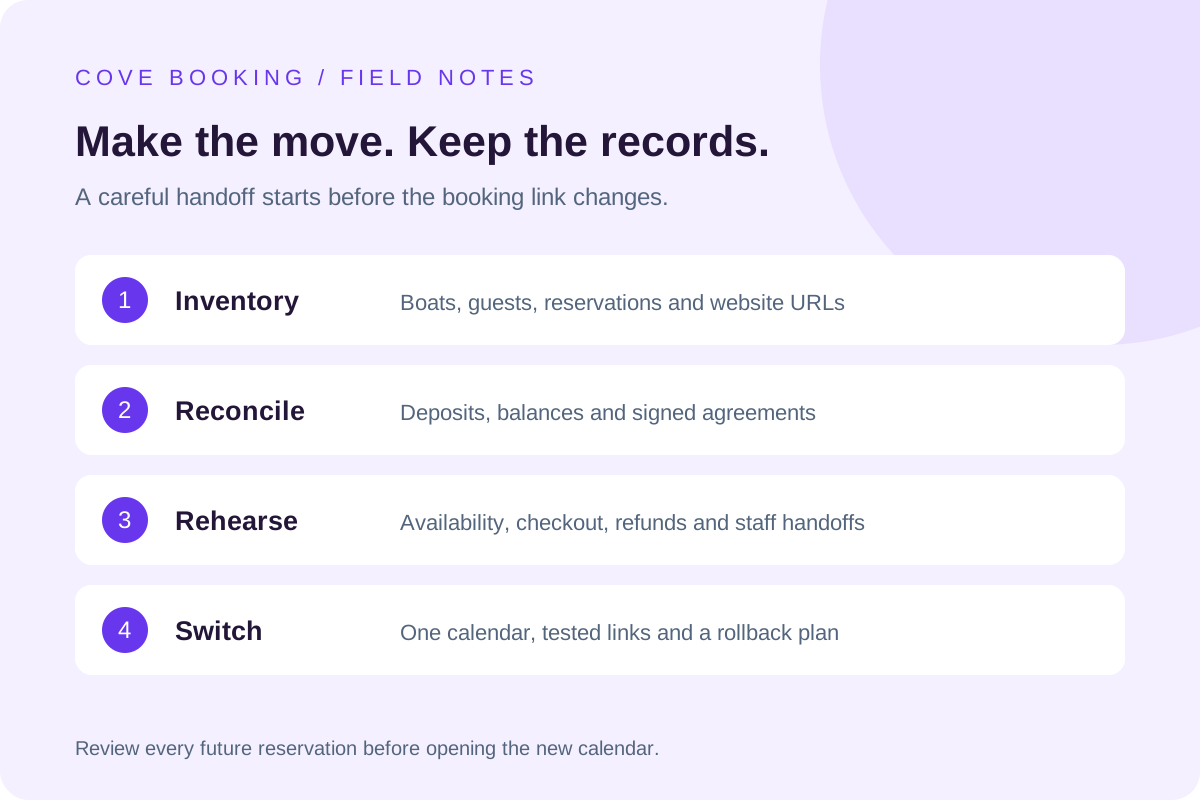
Inventory the working business
List boats, future bookings, accessories, customers, agreements, payment balances and website URLs. Record which system owns each item today. Export only records you are authorized to move. Keep the original files available in a controlled backup so the migration can be checked against them.
Reconcile each future reservation
Compare boat, date, pickup time, return time, guest, extras and total. Match collected deposits and outstanding balances without charging the customer again. A payment token or signed agreement may not be portable; ask the existing provider how those records can be retained or accessed.
Rebuild the rules before opening bookings
Configure local time, operating hours, minimum notice, rental durations, closures and turnaround buffers. Add maintenance blocks and shared accessory inventory. Rehearse overlapping requests and daylight-saving boundaries where applicable. Staff should know which calendar is authoritative throughout the transition.
Preserve the routes guests already use
Inventory links from search results, ads, maps, emails and QR signs. Keep useful existing URLs or redirect them to the closest matching new page. Test the real guest path from a phone through agreement and payment. Change public links only after the records and workflow pass acceptance.
Keep a rollback path
Agree on a cutover time, an owner for issues and the conditions for reverting. Retain access to the old system during the agreed transition period. Cove Booking setup begins with this scope review; importing a file alone is not proof that the operation is ready to launch.
Put your own operation in the picture.
Bring a busy-day booking, your current software bill and the workflow your team wants to improve.
Walk through Cove Booking